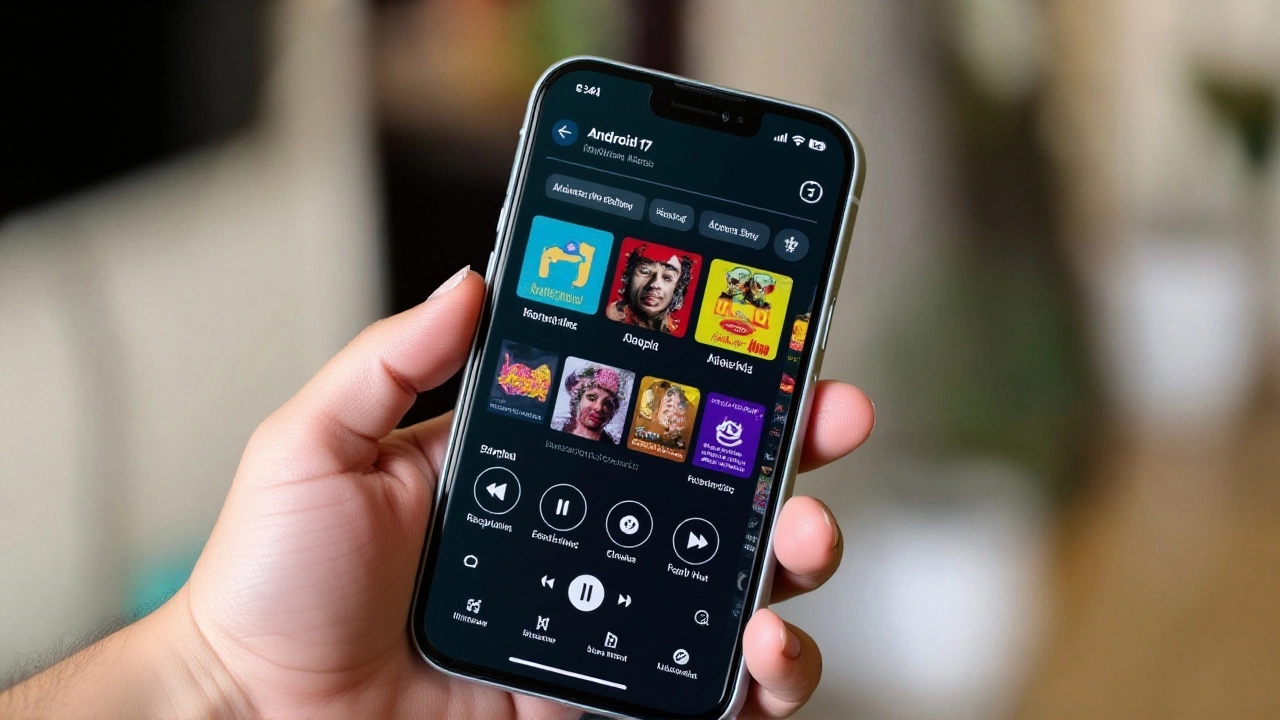
Google has officially started rolling out Android 17 to Google Pixel devices, marking a significant shift in how users handle multiple tasks on their screens. The update began arriving on June 16, bringing with it a new feature called Bubbles that promises to make juggling apps feel less like a chore and more like second nature.
If you’ve ever struggled to keep an eye on a text conversation while browsing the web or watching a video, this is the change you’ve been waiting for. But here’s the thing: it’s not just about floating windows. It’s a complete rethink of the interface, especially for those lucky enough to own a foldable device.
The Rise of Bubbles
The headline feature in this release is undoubtedly Bubbles. Think of them as smart, floating windows that sit atop your other content. They aren’t just random pop-ups; they anchor themselves in a dedicated area at the bottom of your display. This creates a consistent zone where you can park active chats, navigation directions, or music controls without losing sight of what you’re actually doing.
For owners of foldable Pixels, the experience gets even better. You can resize these bubbles on the fly and quickly expand them for easier interaction. Early testers have been surprisingly positive, with some calling it the fix Android’s multitasking UI desperately needed. As one tech outlet noted, "Pixel phones are now better at multitasking," suggesting that the frustration of switching between apps might finally be a thing of the past.
Gaming and Reactions Get a Boost
Beyond general multitasking, Google has thrown some specific love toward gamers and content creators. Foldable phone users can now engage a dedicated gaming mode. When you fold your device into a tabletop stand position, the screen splits 50/50. The top half shows the game, while the bottom half transforms into a touch-based controller. It’s a clever use of hardware that turns your phone into a portable console.
Then there’s Screen Reactions. If you create reaction videos, you know the pain of recording your screen, recording your face separately, and then stitching it all together in editing software. Android 17 simplifies this by letting you overlay your front-camera feed directly onto the screen recording in real-time. You can even draw annotations as you go. It’s a workflow that feels intuitive rather than clunky.
Security Tightens Up
While flashy features grab headlines, the security improvements in Android 17 are arguably more important. The Find Hub service now includes a "Mark as Lost" function. This lets you lock a misplaced device using biometric authentication, ensuring only you can unlock it later.
Additionally, Google has made it harder for bad actors to guess your PIN. The number of allowed attempts is reduced, and the wait time between guesses increases. There’s also enhanced Live Threat Detection to block suspicious apps before they cause trouble. These changes arrive alongside the multitasking upgrades, meaning your phone is safer while it’s smarter.
Hardware Context: The Pixel 10 Lineup
This software update doesn’t exist in a vacuum. It arrives alongside Google’s latest hardware push. The Pixel 10 Pro Fold is being marketed specifically as a device "made for multitaskers." With its hands-free tabletop mode and deep integration with Gemini AI, it’s clear Google sees the foldable form factor as the future of productivity.
The broader Pixel 10 lineup—including the standard Pixel 10 ($799), Pixel 10 Pro ($999), and Pixel 10 Pro XL ($1,199)—is also hitting pre-orders. Alongside these are the Pixel Buds 2a ($129) and the Pixel Watch 4 series (starting at $349). All these devices are scheduled to hit shelves on October 9, creating a cohesive ecosystem where Android 17’s features shine brightest.
What About Older Pixels?
Good news for long-term holders: Android 17 supports devices starting from the Pixel 6 series up to the latest models, plus the Pixel Tablet. However, if you’re still rocking a Pixel 2 or the original 2016 Pixel, you’re out of luck for this update. Those devices remain stuck on older versions, though they can still use traditional split-screen methods via gesture navigation.
For those who prefer the old-school approach, split-screen remains available. Swipe up, pause to open the app switcher, tap the app icon, and select "Split screen." It’s not as sleek as Bubbles, but it works. And yes, you can still save "app pairs" so your favorite two apps launch together every time.
Frequently Asked Questions
Which Pixel phones support Android 17?
Android 17 is compatible with Google Pixel phones starting from the Pixel 6 series through to the latest Pixel 10 models. It also supports the Pixel Tablet. Older devices like the Pixel 2 and original Pixel do not receive this update.
When will my Pixel get the Android 17 update?
The rollout began on June 16, 2026. Updates are being distributed gradually throughout 2026. Google has not provided a specific date for every individual model, so check your Settings > System > System update menu regularly.
Do I need a foldable phone to use Bubbles?
No, Bubbles are available on all supported Pixel phones. However, foldable devices offer additional capabilities, such as resizing floating windows and a dedicated gaming mode that utilizes the folded screen layout.
How does Screen Reactions work?
Screen Reactions allows you to record your screen while simultaneously capturing your face via the front camera. The footage is overlaid in real-time, and you can add drawings or highlights during the recording, streamlining the creation of reaction videos.
Are there new security features in Android 17?
Yes. Android 17 introduces a "Mark as Lost" feature in Find Hub that locks devices via biometrics. It also reduces PIN entry attempts and increases wait times between guesses to prevent brute-force attacks, alongside enhanced scam detection.
Arlen Fitzpatrick
My name is Arlen Fitzpatrick, and I am a sports enthusiast with a passion for soccer. I have spent years studying the intricacies of the game, both as a player and a coach. My expertise in sports has allowed me to analyze matches and predict outcomes with great accuracy. As a writer, I enjoy sharing my knowledge and love for soccer with others, providing insights and engaging stories about the beautiful game. My ultimate goal is to inspire and educate soccer fans, helping them to deepen their understanding and appreciation for the sport.
view all postsWrite a comment